Tools Freshers Must Learn Along with Programming
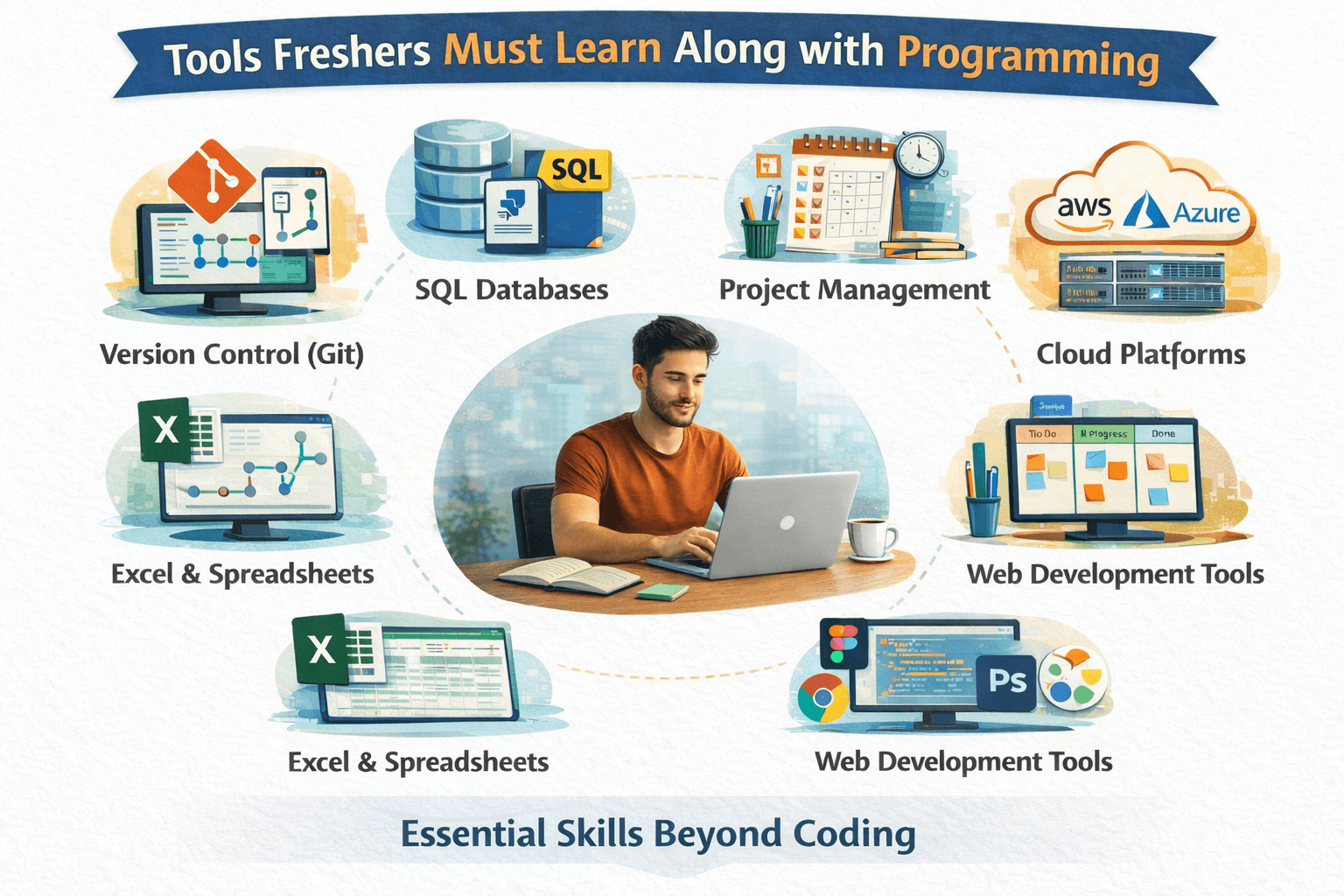
Learning a programming language is an important first step for any IT fresher. However, programming alone is not enough to become job-ready. In real IT jobs, developers, testers, and analysts use a set of tools that support how software is built, tested, deployed, and maintained. Freshers who understand these tools early find it easier to adjust to workplace expectations.
The key is not to learn every tool available, but to learn the essential tools that work alongside programming.
Version Control Tools (Git)
One of the most important tools freshers must learn is Git. In companies, code is never written and saved only on one system. Git helps track changes, manage versions, and collaborate with team members. Even basic knowledge—such as creating repositories, committing code, pulling updates, and resolving simple conflicts—makes a fresher far more comfortable in real projects.

Code Editors and IDEs
Freshers usually start with simple editors, but industry work requires efficient use of IDEs. Tools like VS Code or IntelliJ help with debugging, code navigation, extensions, and error detection. Learning how to use an IDE properly improves productivity and code quality. It also helps freshers understand large codebases faster.
Debugging Tools
In real projects, more time is spent fixing issues than writing new code. Debugging tools help identify errors, track execution flow, and understand why something is not working. Freshers who learn debugging early develop strong problem-solving skills and become more reliable team members.
Basic Database Tools
Most applications interact with data. Freshers should know how to work with basic databases, run queries, and understand tables and relationships. Tools for database access help connect programming logic with real data handling, which is a common requirement in almost all IT roles.
Build and Dependency Tools
Modern projects depend on multiple libraries and frameworks. Build and dependency tools manage these dependencies and help run projects smoothly. Freshers do not need advanced expertise here, but they should understand how projects are built, run, and configured in a real setup.
Collaboration and Task Tools
In companies, work is organized through tasks, tickets, and workflows. Tools used for tracking tasks help teams plan, prioritize, and review work. Understanding how tasks move from “assigned” to “completed” prepares freshers for professional team environments.
Testing Tools (Basics)
Even if a fresher is not joining as a tester, understanding basic testing concepts is important. Simple testing tools help verify that code works as expected and does not break existing functionality. This habit improves code reliability and builds confidence.
Logging and Monitoring (Awareness Level)
Freshers should be aware of how applications are monitored after use. Logging tools help track errors and system behavior in real environments. Even basic awareness helps freshers understand how issues are identified and resolved in production systems.
Final Thought
Programming is the foundation, but tools make programming usable in real jobs. Freshers who learn essential tools alongside coding understand how software is actually built and maintained. This combination reduces the gap between college learning and industry expectations—and makes the transition into an IT role much smoother
Join WhatsApp Groups for Job Updates
Group 1: CLICK HERE> https://chat.whatsapp.com/KCxEwu33GbvEgwiE82BPhO
📢 Don’t forget to forward this message to your friends and help them kick-start their careers